Edit text like a document
Click into any paragraph and just type. Fonts, spacing and layout stay exactly as the author intended.
BentoPDF
Edit text, sign, compress, OCR, convert and organize.
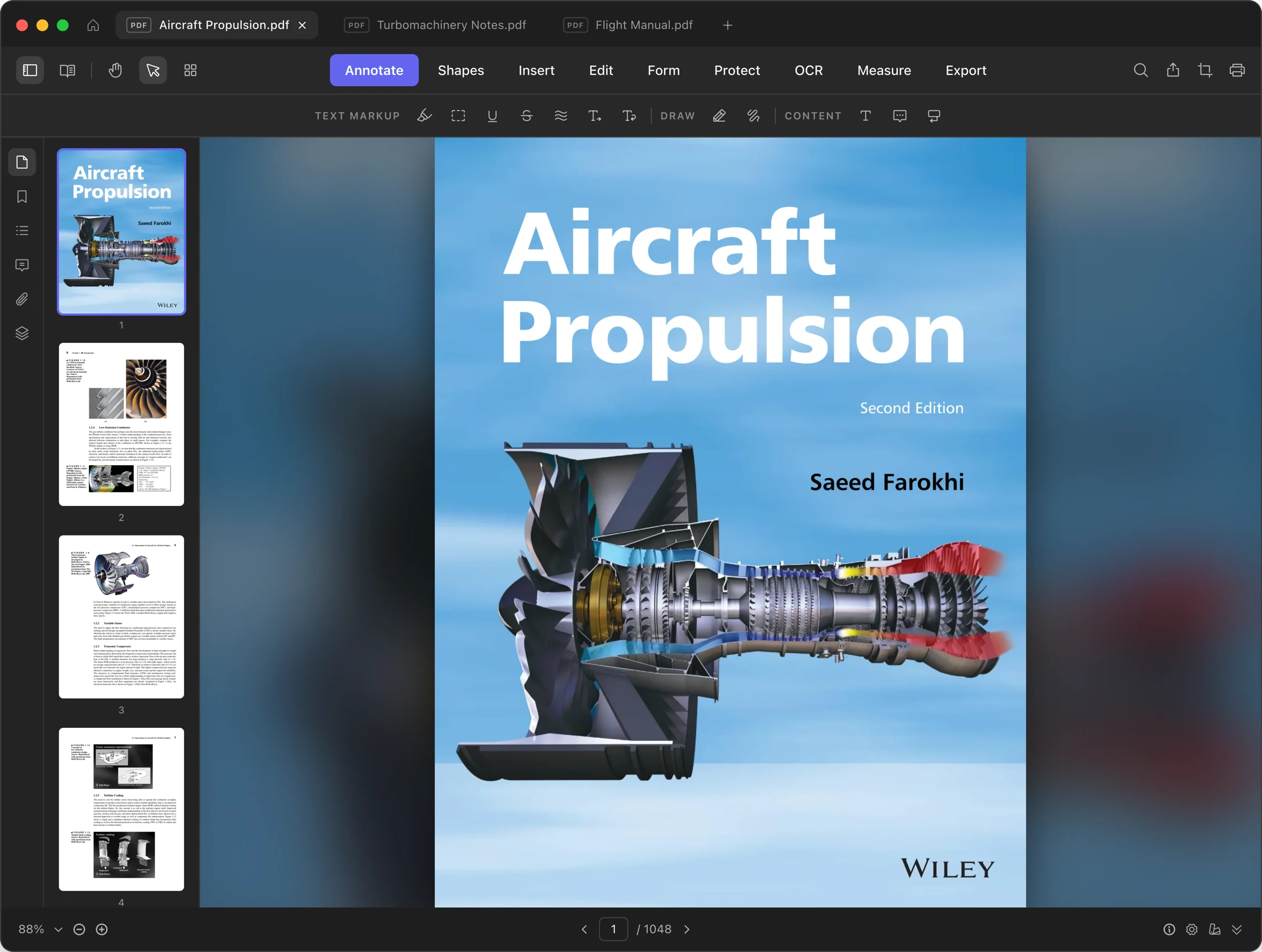
Every tool you reach for, arranged like a bento box. No add-ons, no web apps, no waiting.
Click into any paragraph and just type. Fonts, spacing and layout stay exactly as the author intended.
Shrink files dramatically while text stays sharp and searchable.
Turn scans into searchable, selectable text in 48+ languages.
Reorder, rotate, insert and split with drag and drop.
Draw a signature or apply a trusted digital certificate.
Highlight, underline, strike through and squiggle, plus notes and replies every other PDF app understands.
Sensitive text is removed from the file itself, not hidden behind a box.
Word, Excel, PowerPoint, images, HTML and EPUB become PDFs. PDFs export back to editable Word, Excel and PowerPoint.
Complete any form, or create your own fillable fields.
Merge and split. Combine PDFs into one, or extract page ranges into separate files.
Watermarks. Text, image or PDF watermarks. Single or tiled, any page range.
Headers and footers. Consistent titles, dates and numbering across pages.
Bates numbering. Legal stamps applied across entire document sets.
Page numbers and labels. Visible page numbers, or logical labels like i, ii and A, B.
Encrypt and decrypt. Set passwords and permissions, or remove them.
Flatten. Bake forms, annotations and layers into the page.
Sanitize. Remove JavaScript, embedded files and risky content.
Remove metadata. Strip author, title, dates and producer info.
Repair. Recover corrupted or damaged PDFs.
Fast Web View. Linearize documents so they stream instantly online.
PDF standards. Convert to PDF/A, PDF/UA, PDF/X or PDF/E.
Compare PDFs. Diff two documents side by side, visually, or as a text report.
Print layouts. N-up sheets, fold-and-bind booklets and poster tiling.
Scan cleanup. Deskew tilted pages and remove blank ones automatically.
Overlay and backgrounds. Superimpose PDFs, or apply color and image backgrounds.
Extract anything. Pull out images, fonts, tables, or every page as an image.
Scanner effect. Make a clean PDF look like a scanned document.
No subscription, no account, no upsells. One purchase, every feature, on your computer for good.
$79 one-time
Yours forever, activated on one computer. The key arrives by email right after checkout.
Or try it free for 7 days first. No account, no credit card.
One purchase for the whole team. Invite people by email from your order page, and each person gets their own license key for one computer.
$69 per seat $79
Total $345 Save $50
Set your seat count on the checkout page. Add, remove or reassign people anytime afterwards from your order page, on one invoice.
Buy team licensesNeed more than 1,000 seats, or an offline setup? Contact us.
Your PDFs never leave your computer. There is no cloud processing, no telemetry on your documents, and no server waiting on the other end.
Viewing, editing, OCR and conversion all run locally on your computer.
On a plane, in a courtroom, off the grid. Nothing needs a connection.
Download, open, work. Your documents are nobody else’s business.
Yes, completely. Every feature, including OCR and file conversion, runs on your computer. You can use BentoPDF with no internet connection at all.
Yes. Click into any paragraph and type, just like a text document. BentoPDF preserves the original fonts, spacing and layout while you edit.
Your documents never leave your computer. BentoPDF does no cloud processing and sends no document content anywhere, so confidential files stay confidential.
BentoPDF runs on macOS 12 or later (Apple silicon and Intel), Windows 10 or later, and major Linux distributions.
Yes, in both directions. Word, Excel, PowerPoint, images, HTML and EPUB files convert to PDF, and PDFs export back to editable Word, Excel and PowerPoint.
Download BentoPDF and open your first document in under a second.
macOS 12 or later · Windows 10 or later · Linux